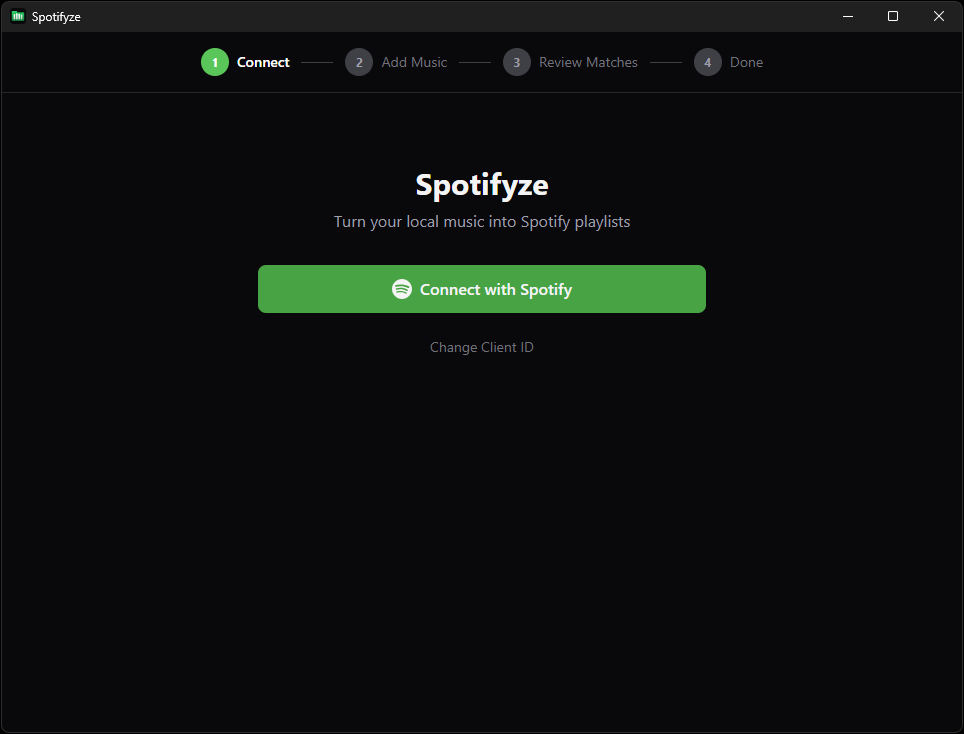
Turn your local music into Spotify playlists

A free desktop app that reads your audio files and playlists, fuzzy-matches them against Spotify's catalog, and creates playlists with the best matches.

Download View on GitHub

Download

Grab the latest release for your platform

🪟
Windows
.exe installer
🍎
macOS (Apple Silicon)
.dmg (aarch64)
🍎
macOS (Intel)
.dmg (x64)
🐧
Linux
.AppImage
🐧
Linux (Debian)
.deb

The installers are not code-signed yet.
On Windows, click "More info" → "Run anyway".
On macOS, right-click the app → "Open".

Screenshots

Features

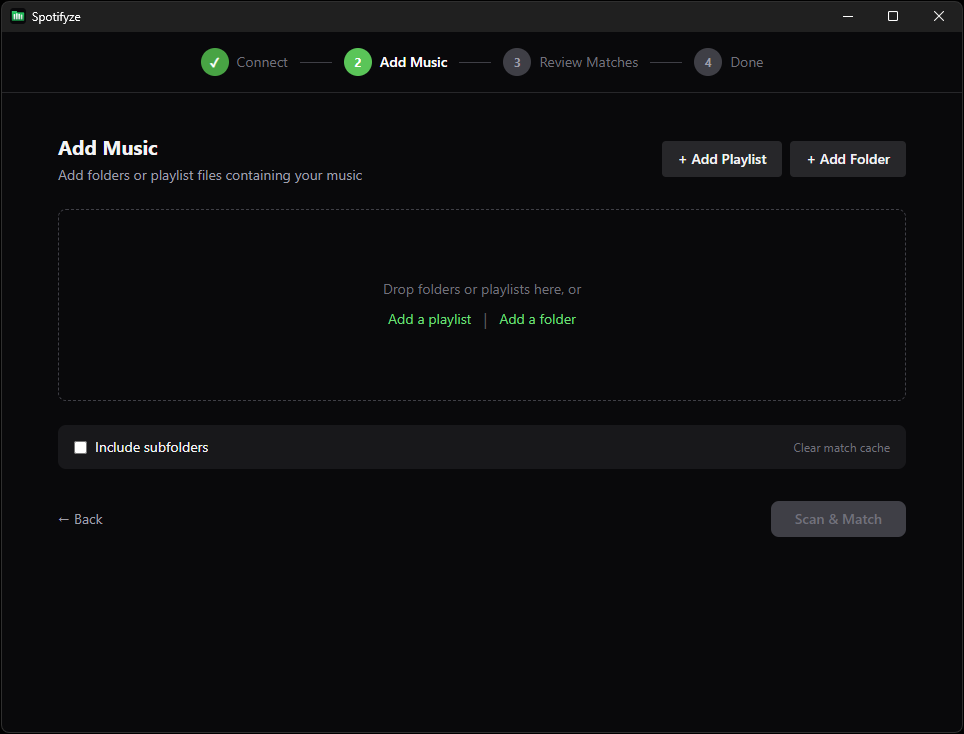
Drag & drop

Drop folders or .m3u playlist files directly into the app.

Multi-source support

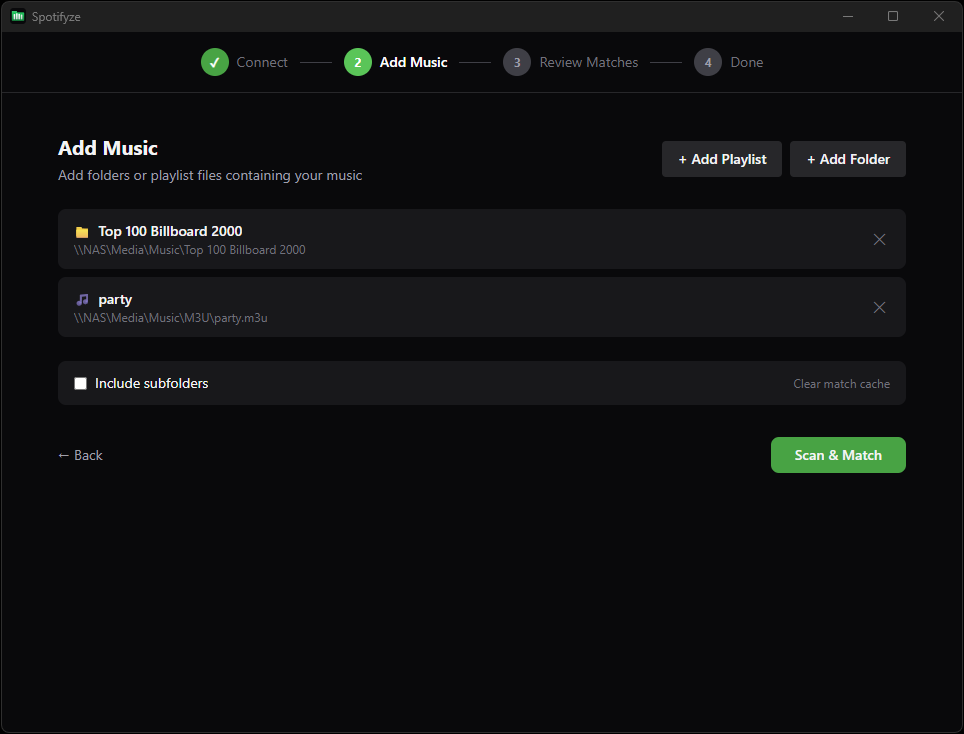
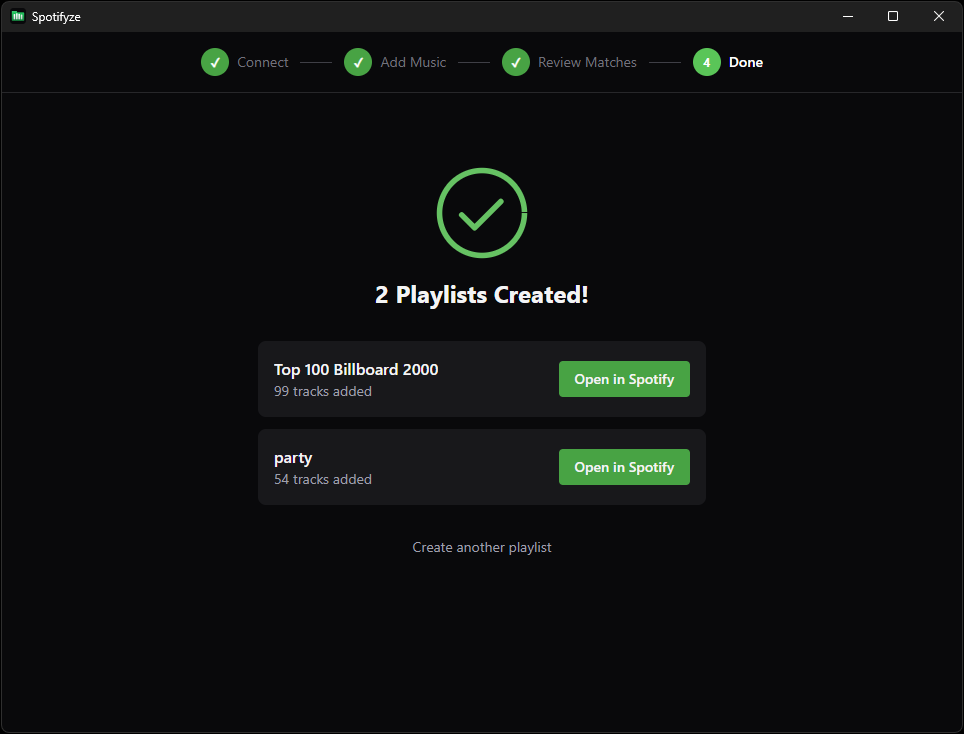
Scan folders and M3U playlists — each becomes its own Spotify playlist.

Smart matching

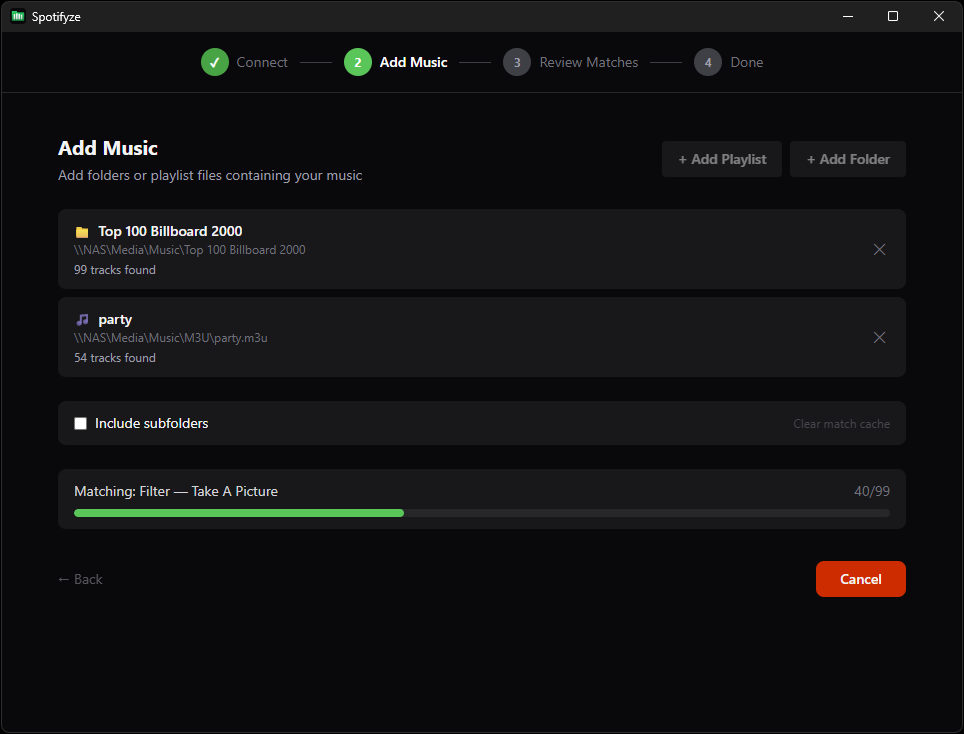
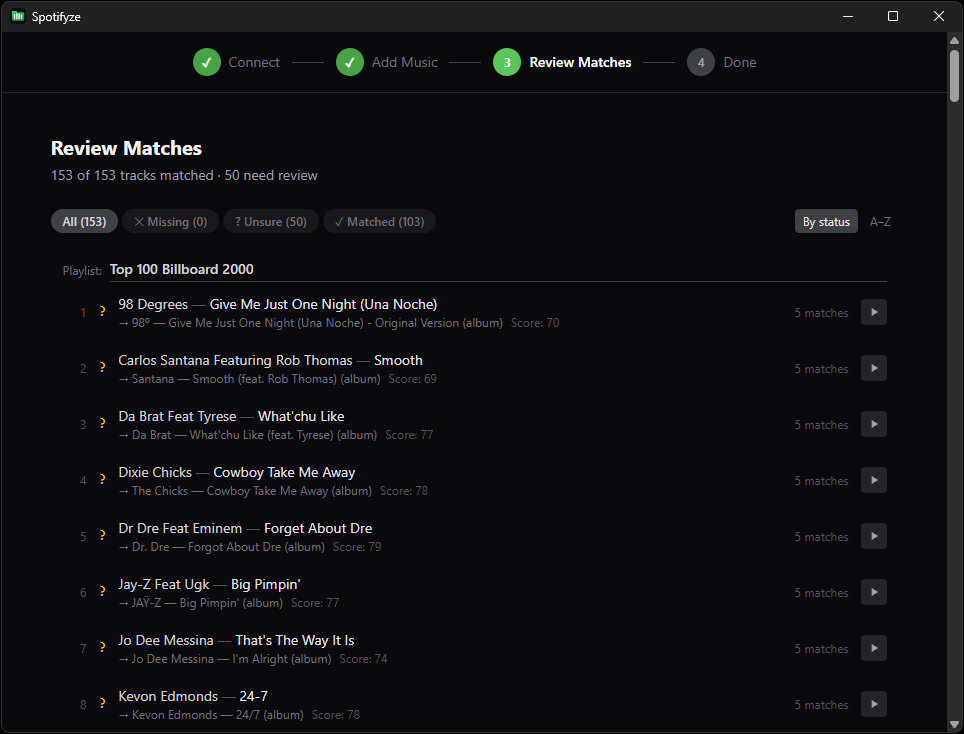
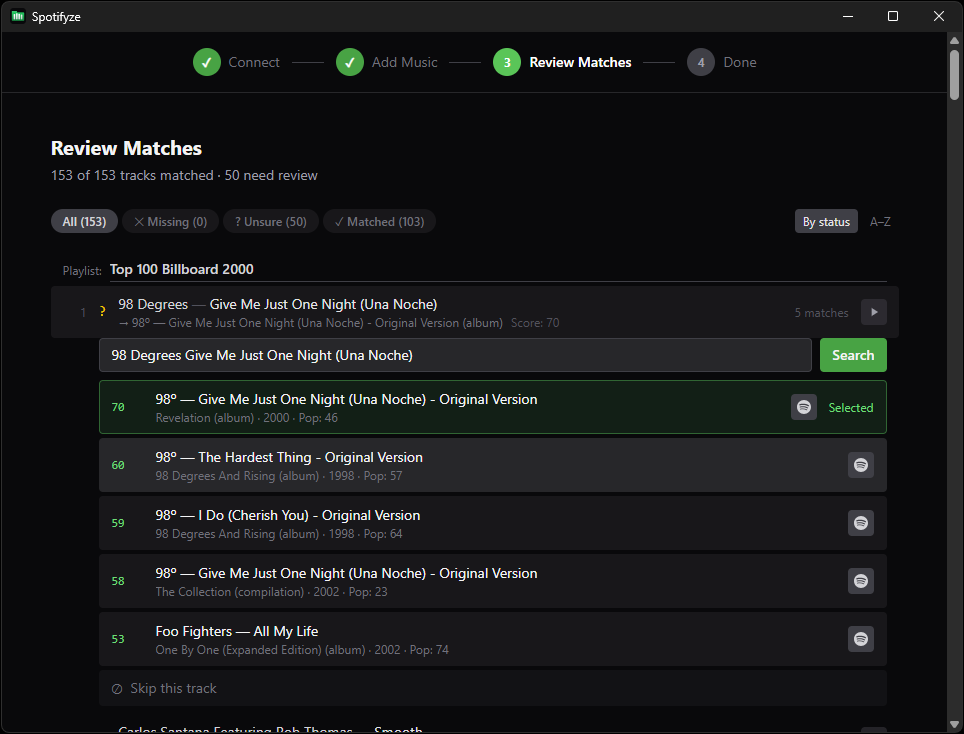
Fuzzy scoring prefers original album releases over remixes, compilations, and live versions.

Review before creating

See all matches, pick alternatives, preview audio, skip what you don't want.

Filter & sort

Filter by match status, sort by name or confidence score.

Audio preview

Listen to Spotify previews or local files before confirming.

Match caching

Results are saved so re-scanning is instant.

Cross-platform

Runs on Windows, macOS, and Linux.

No server needed

Connects directly to Spotify via OAuth (PKCE). Your data stays on your machine.

How It Works

1

Connect

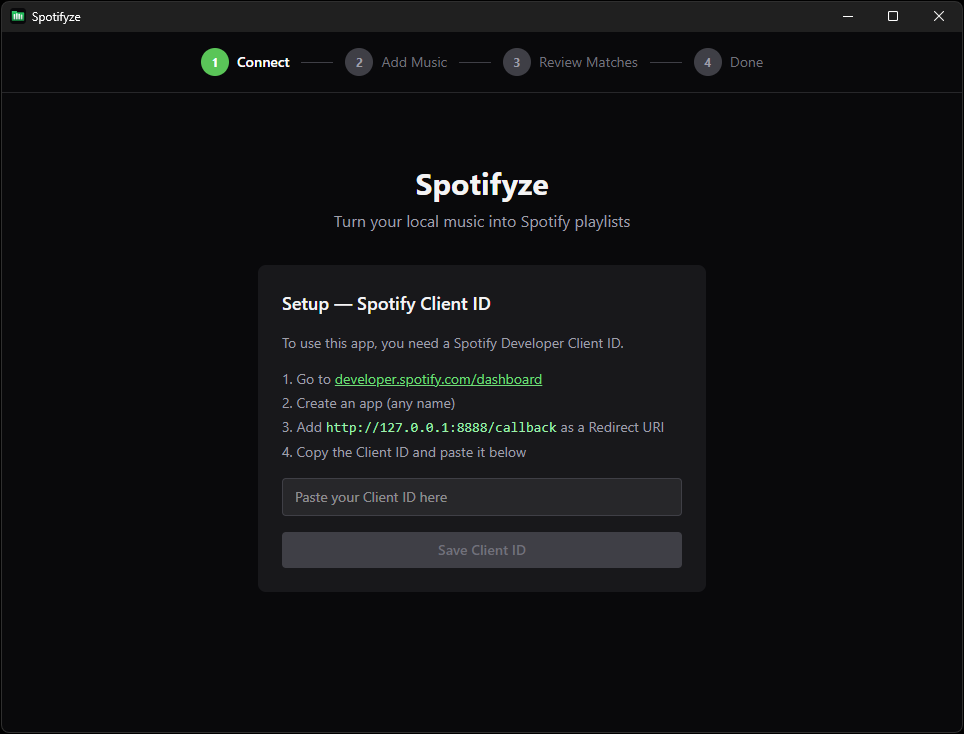
Enter your Client ID and log in to Spotify.

2

Add Music

Drop or browse for folders and .m3u playlist files.

3

Review

The app fuzzy-matches each track and shows results scored by artist, title, album, and release type.

4

Create

Confirm and the playlists are created on your Spotify account.

Setup

You need a free Spotify Client ID before first use

  1. Go to developer.spotify.com/dashboard
  2. Log in and create a new app (any name, any description)
  3. In the app settings, add http://127.0.0.1:8888/callback as a Redirect URI
  4. Copy the Client ID from the app dashboard
  5. Open Spotifyze and paste the Client ID when prompted
The app runs entirely on your machine — your Client ID is stored locally and never sent anywhere except Spotify's auth servers.